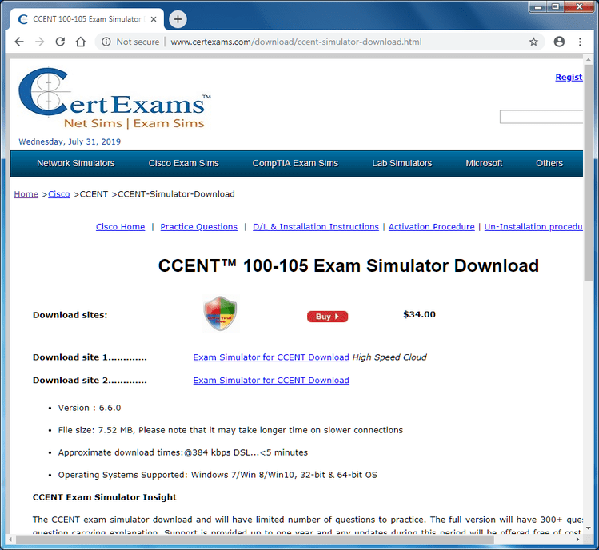
To download a product, please go to respective product page and click on the link "Download Trial" as shown in the screen below to start downloading the product.
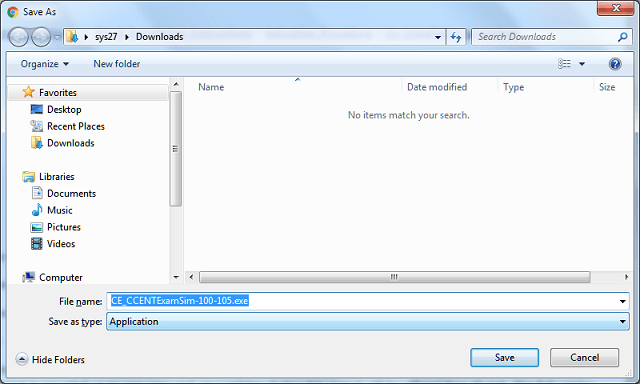
A dialog box appears as below on clicking the link. Click "Save" to choose the location on the computer to actually save the file as shown below
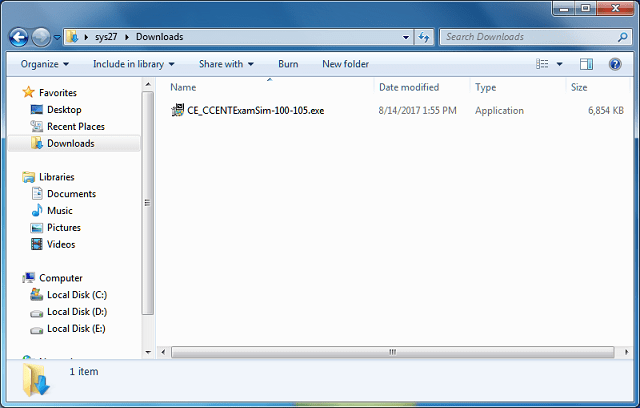
Please wait till the download is complete. Open the download folder, locate the downloaded software and double click on it to start the installation as shown below.
Running the Setup (exe) file
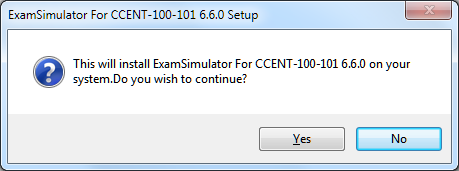
Double-clicking the setup file will popup a message box asking confirmation for installation as shown below.
Clicking "Yes" will start the installation wizard as shown
below
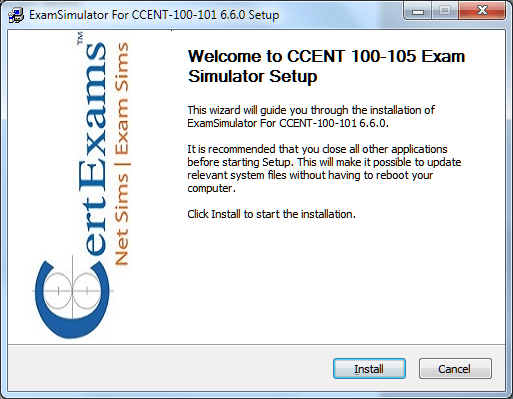
Click "Install" to proceed with the installation.
If the Integrated Test Environment (ITE) is not already installed on
the user system, a dialog box is displayed as below
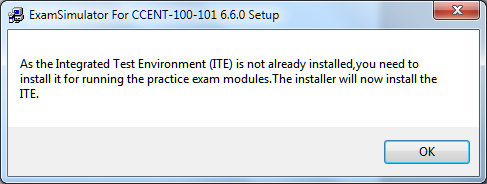
On clicking "OK", the ITE setup (Test Engine) wizard starts
as shown
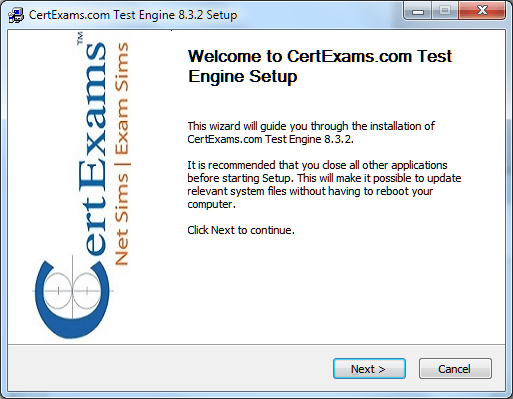
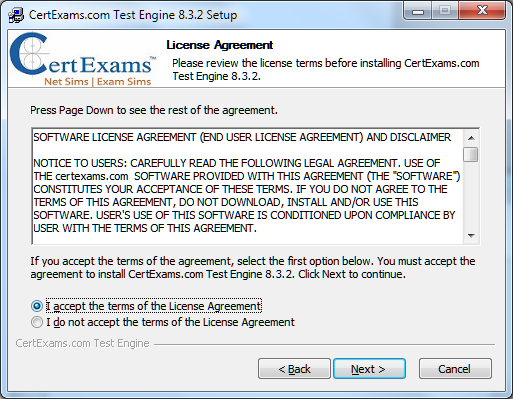
Clicking "Next" shows the License agreement that the
user must accept to continue, so click on the radio button to accept and
click "Next"
Next step allows the user to choose the location to install the software. User can browse to desired location or install the software in default location provided.
After the destination folder is selected, click "Install"
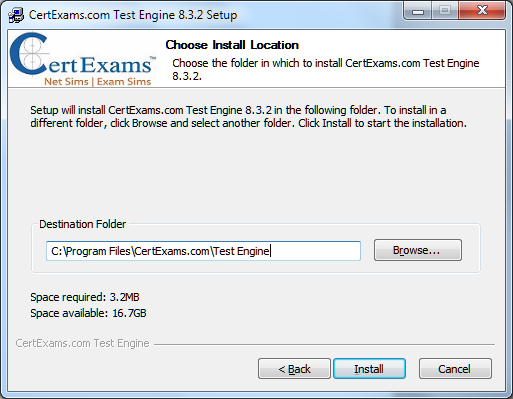
The progress of Test Engine setup installation is as shown
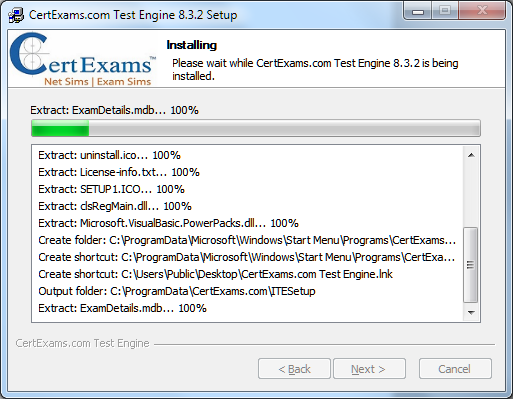
Test installation is resumed automatically after the test engine is successfully
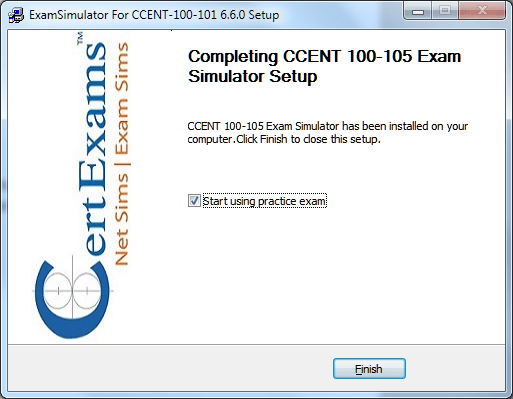
installed. Click "Finish" to complete the Test Engine Setup installation. Final
step of the installer allows the user to run the application directly. Click "Finish"
to complete the installation of the software.
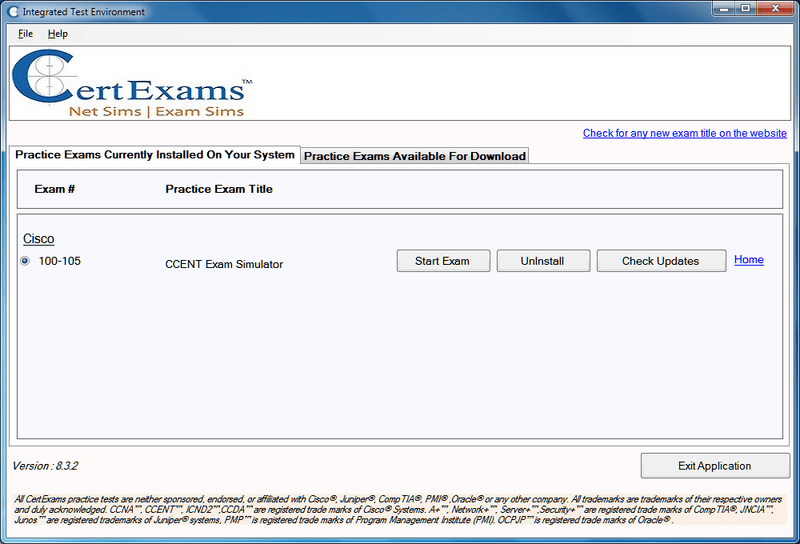
After successful installation, the engine along with the installed practice
test is shown as below